MiniMax M3: Release Date, API, Pricing, and AI Agent Use Cases
AI Takeaway
- Is MiniMax M3 released? Yes. As of June 1, 2026, MiniMax's API overview says MiniMax M3 is available, and the supported model list shows MiniMax-M3; OpenRouter lists May 31, 2026 as the release date.
- What is the main upgrade? MiniMax M3 focuses on 1M-token context, MiniMax Sparse Attention, native multimodal input, coding, and agentic workflows.
- Can you use MiniMax M3 through an API? Yes, but pricing, limits, streaming behavior, and regional availability should be checked in the provider account you plan to use.
- Is MiniMax M3 open source? MiniMax has indicated open-source/local deployment support, but verify the actual Hugging Face or GitHub release and license before building around it.
- Who should care most? Developers testing coding agents, long-context assistants, browser agents, and always-on automation systems.
What Is MiniMax M3?
MiniMax M3 is a new M-series AI model from MiniMax, built for coding, agentic reasoning, long-context work, and multimodal tasks. It is not only a chat model with a larger input box. The bigger promise is that long context becomes usable for real work: reading code, following tool output, comparing documents, and continuing after the first response.
A coding assistant may need to inspect a repo, update several files, run tests, and explain the change. A research assistant may need to browse pages, compare sources, and preserve a trail of decisions. If you are evaluating M3, the real question is whether it stays useful when the task becomes long and tool-heavy.
MiniMax M3 Model at a Glance
| Detail | What to Know |
|---|---|
| Model name | MiniMax-M3 |
| Release status | Available in MiniMax API docs; OpenRouter lists May 31, 2026 |
| Context window | Up to 1M tokens, depending on API limits |
| Main architecture idea | MiniMax Sparse Attention for long-context efficiency |
| Main use cases | Coding, tool use, long documents, agents, multimodal work |
| API access | Listed in MiniMax API docs; third-party routers may also expose it |
| Open-weight status | Verify actual weights, license, and local deployment docs |
MiniMax M3 Release Date and Current Availability
MiniMax M3 is now publicly listed in MiniMax's API docs. The docs describe the LLM API as using MiniMax M3 and show MiniMax-M3 with a 1,000,000-token context window. OpenRouter lists MiniMax M3 as released on May 31, 2026.
Some older pages may still describe it as unreleased or only teased. That is a timing problem. Model launches often happen in layers: teaser, model page, API availability, router listings, benchmarks, and then open weights.
Why Availability Can Look Confusing
 There are several release questions:
- Has the model been announced?
- Is it listed in official docs?
- Can your API account call it now?
- Is it available through your preferred router?
- Are open weights actually published?
M3 has crossed the official API documentation line. That does not mean every SDK, account, region, router, or local setup path is ready.
Where to Check Before You Build
Use this order:
- MiniMax API docs for model ID, context limits, and endpoint behavior.
- MiniMax model pages or release notes for product-level positioning.
- MiniMax Hugging Face and GitHub pages for open-weight or local deployment status.
- Third-party routers for route-specific pricing and availability.
MiniMax M3 API, Model ID, and Pricing
The model ID shown in MiniMax's API documentation is MiniMax-M3. If you are adding it to an app, agent, or model gateway, confirm request format, streaming support, output token limits, error behavior, and rate limits.
Pricing needs extra care. As of June 1, 2026, OpenRouter lists MiniMax M3 at $0.30/M input tokens and $1.20/M output tokens during a 50% off period, but direct API pricing and router pricing can differ. For a short chat app, input and output token price may be enough. For an agent, it is not.
Agents create cost in less obvious ways:
- Failed tool calls get retried.
- Long context gets resent or summarized.
- Browser tasks create intermediate pages and notes.
- Code tasks may involve tests, logs, and repeated edits.
- The final answer is only one part of the total model usage.
If coding agents are your main interest, this guide to the best AI agent for coding is a useful companion because it focuses on real developer workflows, not just model names.
What to Test in the API
Before you move anything important to MiniMax M3, test whether your account can call MiniMax-M3, whether streaming works with your UI, how the API behaves near large context sizes, whether tool calling is native, and how errors or output limits are handled. These details decide whether the model feels reliable in practice.
{{myclaw_blog_cta}}
What Makes MiniMax M3 Important for AI Agents?
MiniMax M3 is interesting because its strengths line up with the hard parts of agent work. Chatbots mostly answer. Agents need to act: hold a plan, inspect changing context, use tools, recover from mistakes, and decide when the work is done.
Long context helps only if the model can use it well. A 1M-token window is not valuable if the model loses the key instruction or misses the relevant file.
1M Context Helps With Larger Workspaces
A model with a large context window can inspect more files, trace dependencies, compare related modules, and keep logs or design docs in view. Outside coding, the same pattern helps with contract review, research synthesis, support analysis, and data extraction.
Sparse Attention Matters
MiniMax Sparse Attention is meant to make long-context processing more efficient. In plain language, the model can focus more selectively instead of treating every token as equally important at every step. That matters when an agent needs broad context available while repeatedly zooming into specific files, pages, or facts.
Coding and Tool Use Are the Real Test
Benchmarks are useful, but agentic AI needs messier tests:
Try tasks like:
- Fix a bug across multiple files.
- Run tests, read failures, and repair the implementation.
- Browse the web and extract structured facts.
- Compare conflicting documentation.
- Continue after a command fails.
A good chat answer is different from a finished task in a working environment.
MiniMax M3 vs Claude, GPT, DeepSeek, and Qwen for Coding Agents

Where MiniMax M3 May Win
MiniMax M3 is worth testing if you care about:
- Long-context coding and document work
- Cost-performance for repeated agent tasks
- Multimodal understanding
- Open-weight or local deployment possibilities, once the actual release and license are verified
- High-volume workflows where context size matters
If you are choosing a model specifically for OpenClaw, compare M3 against your current options using the same tasks. The broader model-selection framework in best model for OpenClaw is a good starting point.
Where to Be Careful
Before switching, check independent benchmarks, latency, rate limits under agent workloads, tool-call reliability, behavior near context limits, license terms, and SDK maturity. Do not migrate because a model looks exciting on launch day. Migrate when it performs better on your own tasks.
How to Evaluate MiniMax M3 Before Switching
The safest way to evaluate M3 is to build a small task suite that looks like your real work.
Test Real Agent Tasks
| Task | What It Reveals |
|---|---|
| Fix a multi-file bug | Code understanding, editing discipline, test recovery |
| Summarize a large repo | Long-context navigation and prioritization |
| Extract data from web pages | Browser reasoning and structured output |
| Compare long docs | Attention control and factual consistency |
| Continue after a failure | Agent resilience and self-correction |
| Work with multimodal input | Whether vision support is useful in practice |
Measure More Than Scores
Track total cost per completed task, completion time, retries, tool-call success rate, hallucinated files or commands, instruction following, and how often you need to intervene.
For open-source and self-hosted agent stacks, model choice is only one part of the system. Runtime, permissions, memory, scheduling, and integrations often decide whether the agent is useful. See open source AI agents for the broader category.
Turning MiniMax M3 Into an Always-On Agent Workflow
A stronger model does not automatically become a reliable assistant. It still needs somewhere to run, tools it can use, credentials it can access safely, and a way to keep working when the browser, terminal, or API response is imperfect.
The Missing Layer Between Model and Work Done
For agent work, the runtime layer includes:
- Persistent environment
- Browser and app access
- File and repo access
- Scheduled tasks
- Secure API keys
- Logs and debugging
- Usage visibility
- Recovery when tasks fail
That is why long-context models are especially interesting inside agent runtimes. M3 can provide the reasoning layer, while the runtime provides browser control, code execution, file access, memory, and scheduled work.
Running MiniMax M3 With OpenClaw
OpenClaw is built for this kind of workflow: an AI assistant that can operate across tools, code, files, browser sessions, and integrations. If M3 is available through your selected provider or API route, it can be tested as the model behind an OpenClaw workflow rather than only as a chat model.
In a chat app, M3 can answer a question about a repo. In an agent runtime, it can help inspect the repo, reason about the change, make edits, run commands, and track what happened. The coding agent use case shows where model quality and runtime reliability have to work together.
When Managed Hosting Makes Sense
 You can self-host an agent runtime, but it often turns into infrastructure work: server setup, updates, backups, ports, credentials, logs, and security boundaries.
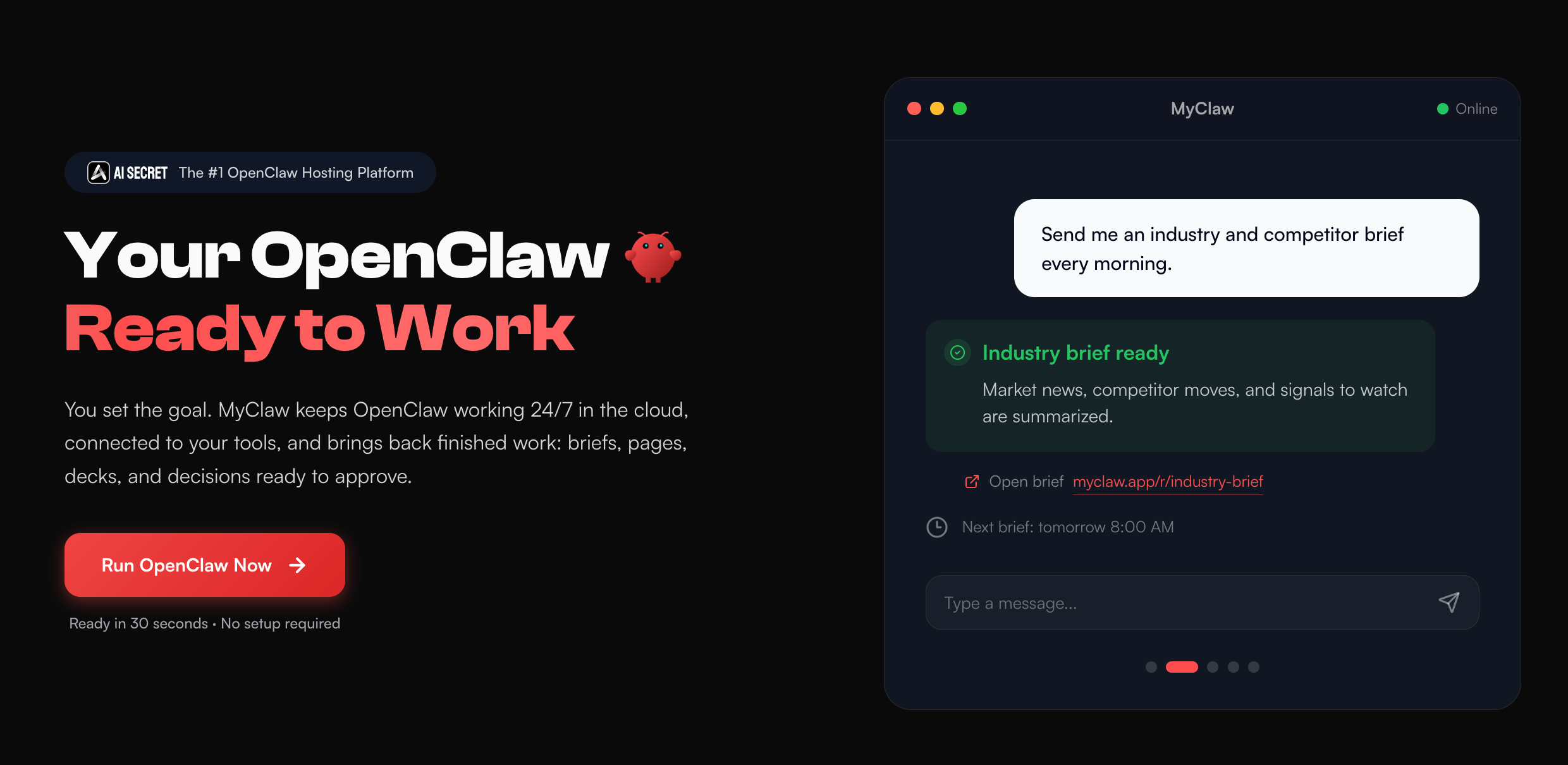
MyClaw exists for the moment when you want OpenClaw running 24/7 without managing that stack yourself. It provides managed OpenClaw hosting with private instances, always-on access, automatic maintenance, and an isolated environment for continuous agent work.
If your goal is simply to try M3 once, direct API access is enough. If your goal is to keep an agent available all day, managed hosting starts to make more sense. This guide to best OpenClaw hosting covers the hosting side in more detail.
Should You Use MiniMax M3 Now?
MiniMax M3 is worth testing if you are already pushing models into long-context or agentic workflows, especially large repos, long documents, browser research, or repeated automation.
| Situation | Recommendation |
|---|---|
| You need long-context coding or agent tests | Try MiniMax M3 in a controlled benchmark |
| You need stable production guarantees | Wait until pricing, limits, and reliability are proven |
| You want open weights | Verify the release, license, and hardware requirements |
| Your current model cost is too high | Compare completed-task cost, not token price alone |
| You only need casual chat | M3 may be more model than you need |
The best move is not blind migration. The best move is a small, honest evaluation using tasks you actually care about.
Conclusion
MiniMax M3 is more than another model release because its strongest claims line up with where AI agents are heading: longer context, coding work, multimodal understanding, and more efficient long-running execution.
The smart move is to verify API access, pricing, open-weight status, context behavior, and performance on real agent tasks. If M3 performs well in your workflow, it could become a strong model option for coding agents, research agents, and long-context assistants.
The bigger lesson is that the model is only one layer. To turn MiniMax M3 into something that gets work done, you also need a runtime that can stay online, use tools, manage context, and recover from failure. That is where OpenClaw, and managed OpenClaw hosting through MyClaw, becomes useful: not as a replacement for the model, but as the environment where the model can keep working.
Skip the setup. Get OpenClaw running now.
MyClaw gives you a fully managed OpenClaw (Clawdbot) instance — always online, zero DevOps. Plans from $19/mo.