Best Open Source AI Agents in 2026
AI Takeaway:
- What are open source AI agents? They are AI systems you can inspect, modify, run yourself, and connect to tools such as browsers, files, terminals, APIs, and messaging apps.
- Which type should you choose? Coding agents help with software work, browser agents operate websites, workflow frameworks help developers build custom agents, and personal agents handle broader daily tasks.
- Should you run an agent locally? Local AI agents are best for privacy, testing, and direct desktop access. Cloud or VPS setups are better when the agent needs to stay online.
- What is the biggest tradeoff? Open source gives control, but it also brings setup, updates, security, uptime, and backup work.
- What is the practical path? Start with the job you want done, then choose the agent category and hosting model that fits that job.
What Open Source AI Agents Actually Do
Open source AI agents are not just chatbots with better branding. A chatbot responds. An agent can plan, use tools, read context, and complete steps across software. It might inspect a folder, open a browser, write code, summarize a document, call an API, send a message, or keep track of an ongoing project.
Open source changes the relationship with the tool. You can see how it works, change behavior, self-host it, connect your own models, and avoid being locked into one vendor. That control is the appeal, and also the responsibility.
Open Source Means Control, Not Automatic Simplicity
A hosted AI app hides complexity. An open source agent exposes it. You may need to configure model keys, install dependencies, connect services, store credentials, decide what the agent can access, and keep the system updated. That is not a reason to avoid open source. It is a reason to choose carefully.
The Main Types of Open Source AI Agents
Most agents fall into a few practical categories. The names overlap, but the jobs are different.
Coding Agents
 Coding agents are popular because their work is easy to inspect. If an agent changes files, writes tests, or opens a pull request, the result can be reviewed like normal engineering work.
Browser Agents
Browser agents are built for websites. They can click, type, scrape, compare, monitor, and move through web interfaces that do not always have clean APIs. The challenge is reliability: websites change, popups appear, sessions expire, and visual interfaces are less stable than APIs.
Workflow and Multi-Agent Frameworks
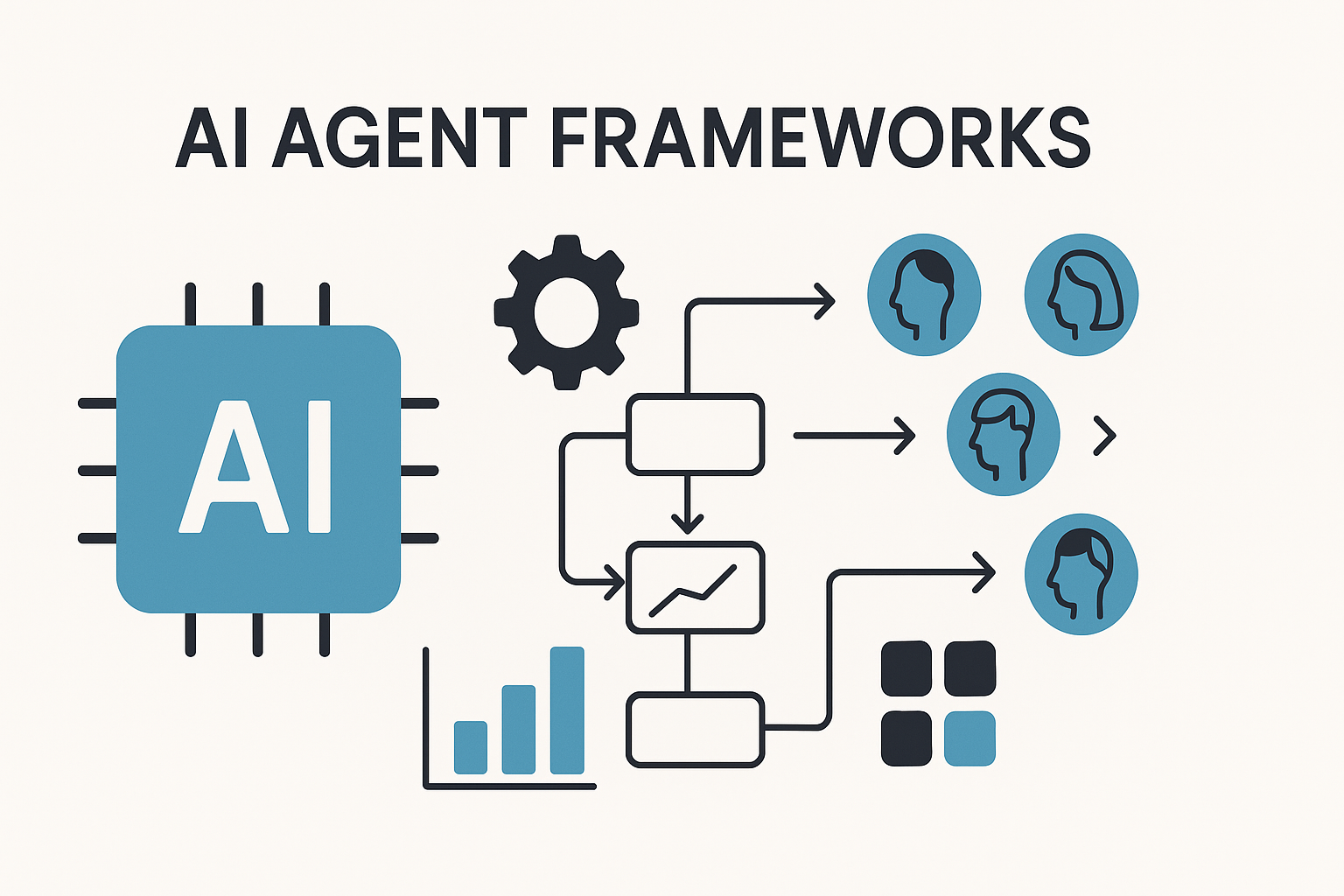 Frameworks such as LangGraph, CrewAI, AutoGen, and Semantic Kernel are best when you want to build an agent system, not simply use one. They give developers control over state, routing, tool calls, memory, evaluation, and multi-agent behavior. A workflow tool is strongest when the path is known; an agent is stronger when the path requires judgment. The distinction is similar to the one in this OpenClaw vs n8n comparison.
Personal AI Agents
Personal agents are broader. They aim to help across daily work: messages, files, calendar tasks, research, reminders, browser sessions, coding, and integrations. OpenClaw belongs in this category. It is closer to a personal operating layer than a developer framework.
How to Compare Open Source AI Agents
The cleanest way to compare open source AI agents is to start with the job, not the popularity chart:
- Should the agent write code, browse websites, run workflows, or assist across your day?
- Does it need files, browser sessions, shell commands, email, messaging apps, or APIs?
- Will it run for a few minutes at a time, or should it stay online all day?
- Can you review actions before they happen?
- How painful would a wrong action be?
Check the Runtime
The runtime is often where the decision becomes real. A local desktop agent may be perfect for experimentation, but it stops when the laptop sleeps. A VPS can stay online, but now you own Linux maintenance, logs, firewalls, backups, and recovery. Local is excellent when you want control. Cloud is better when the agent needs to answer from your phone, run overnight, or stay connected to messaging channels.
Check the Integration Surface
An agent is only as useful as the things it can safely reach: browser control, files, terminal access, calendar, Slack, Discord, Telegram, WhatsApp, email, APIs, MCP tools, and model options. This is also where security becomes serious. Once an agent can read files, use a browser, or call tools, you need limits. For a deeper checklist, see this guide to AI agent security.
Best Open Source AI Agents by Use Case
There is no single “best” open source AI agent for everyone. Different jobs need different tools.
Best for Software Development
Use a coding agent when the output should be code, tests, commits, or technical explanations. The work is visible and reviewable, which makes this one of the safest places to start. You can inspect the diff, run tests, and decide what actually gets merged.
Best for Browser Automation
Use a browser agent when the job lives inside websites: collecting information, checking pages, filling forms, monitoring changes, or moving data between web tools without clean APIs. These agents work best when the task is repetitive, bounded, and easy to verify.
Best for Custom Agent Applications
Use a framework when you are building a product, internal tool, or custom agent pipeline, and need to define memory, tools, retries, state, routing, and evaluation yourself. This is the most flexible path, but also the one that asks the most from the builder.
Best for Daily Personal Assistance
Use a personal AI agent when the work is broader than one app: summarizing files, drafting messages, researching a topic, organizing folders, checking a calendar, or helping with recurring tasks. MyClaw’s personal AI assistant use case shows what this looks like as an always-available helper rather than a one-off tool.
{{myclaw_blog_cta}}
Local AI Agents vs Cloud AI Agents
Local AI agents are attractive for a good reason. They feel private, direct, and under your control. If you are experimenting, testing models, working with sensitive files, or building on your own machine, local can be the best place to start. The best local AI setup is usually the one that gives you enough control without forcing you to maintain more than the task deserves. But a local AI agent still has limits: your machine must be awake, connected, updated, and available.
When Local Makes Sense
Choose local when you want maximum privacy, direct machine access, and are comfortable fixing setup problems. This is often the right choice for testing a model, reviewing sensitive files, or using an agent only while you are actively at your computer.
Local AI agents are also useful for file-heavy tasks. If your main need is organizing, renaming, converting, or reviewing documents, this file management AI agent use case shows where agent work becomes concrete.
When Cloud Makes Sense
Choose cloud, VPS, or managed hosting when the agent needs to stay online, work from multiple devices, run on a schedule, or stay connected to messaging apps.
The hidden cost is maintenance. Open source software may be free to download, but running it well still takes time: updates, restarts, logs, security patches, backups, and debugging.
Running OpenClaw Without Turning It Into an Infrastructure Project
OpenClaw is one of the more interesting open source AI agents because it is not just a framework for developers. It is built around a personal assistant that can work through real tools and communication channels. That makes the operating environment more important. If an assistant connects to messaging apps, uses tools, remembers context, and helps with daily work, it should be stable.
What Makes Self-Hosting Hard
The hard part is rarely the first install. The hard part is keeping the agent useful afterward. You may need to manage:
- model provider keys and billing
- messaging integrations
- updates and version changes
- service restarts
- storage and backups
- safe access to files, browsers, and tools
- remote access when you are not at your main computer
For technical users, that may be acceptable. For everyone else, it can turn a promising agent into another infrastructure project.
A Managed Path for OpenClaw
MyClaw is useful when you want OpenClaw running without owning the server work around it. It provides a private hosted OpenClaw setup with isolated resources, encrypted access, automatic updates, daily backups, and plans starting at $19/month.
The point is not to replace open source control with a closed black box. The point is to make an open source personal agent easier to use every day. If you are comparing local, VPS, and managed options, this guide to the best OpenClaw hosting breaks down the tradeoffs more directly.
Conclusion
The best open source AI agents are not all competing to do the same job. Some are best for code. Some are best for browser work. Some are frameworks for custom systems. Some, like OpenClaw, are closer to a personal assistant that can work across apps, files, messages, and daily tasks.
The right choice depends on the work you want done and the infrastructure you are willing to manage. If you enjoy maintaining your own setup, local and VPS options give you freedom. If you want an agent that stays online without turning setup into a second job, managed hosting can be the more practical path.
Open source AI agents are most valuable when they move from interesting demos to dependable daily tools. Choose the agent, runtime, and security model that help you get there.
Skip the setup. Get OpenClaw running now.
MyClaw gives you a fully managed OpenClaw (Clawdbot) instance — always online, zero DevOps. Plans from $19/mo.