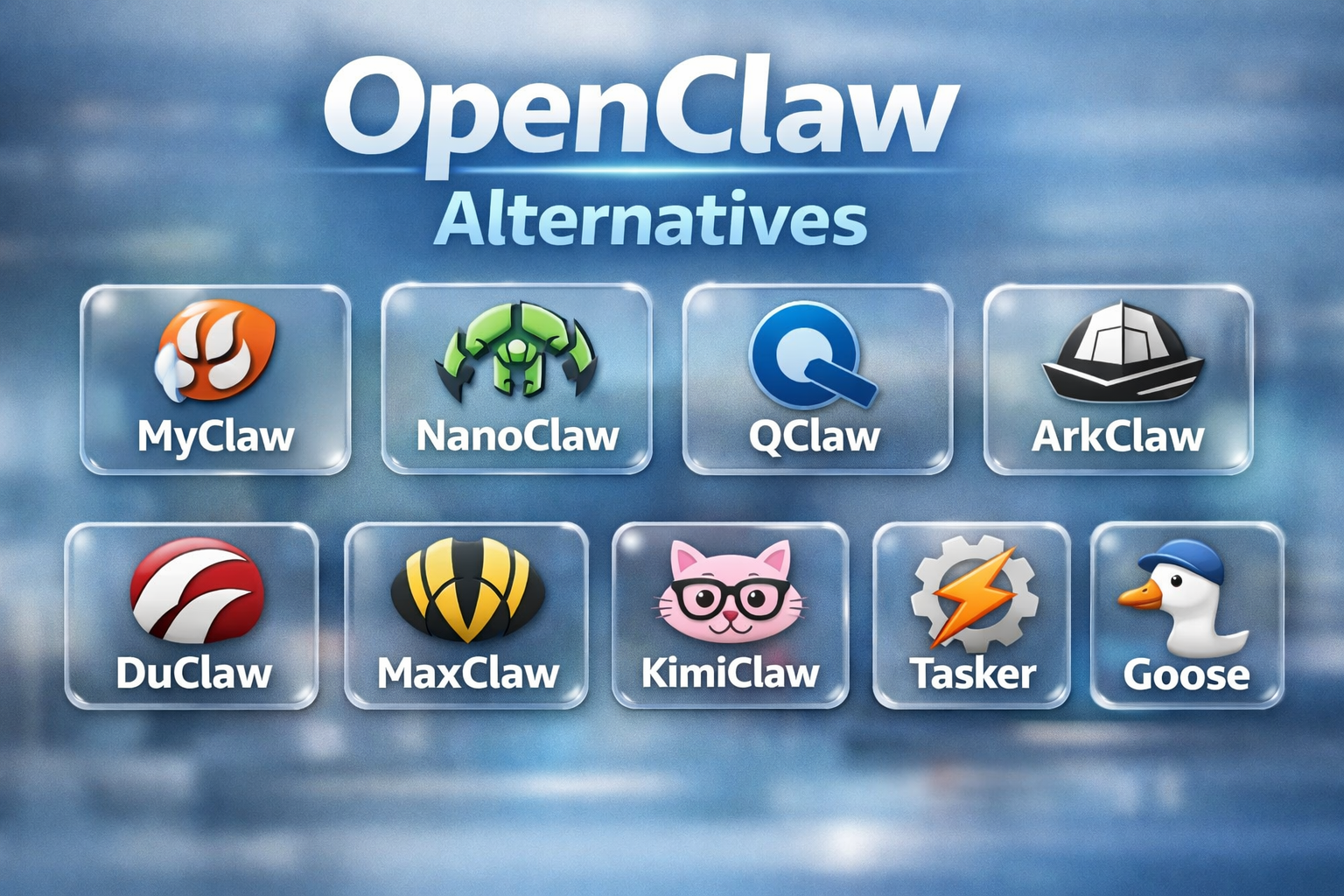
Best OpenClaw Alternatives for Different Devices & Workflows
If you are searching for OpenClaw alternatives, you are probably not looking for a random AI tool with a new label. You usually want similar power with less setup, less maintenance, and fewer limits across devices. You may also be searching for OpenClaw alternatives for Windows because you want a smoother experience on your main computer. Or you may need an OpenClaw alternative for Android because you want mobile access without turning your phone into a project.
Best 9 OpenClaw Alternatives at a Glance
- MyClaw - Best for OpenClaw Alternative for Windows
- NanoClaw - Best for Mobile Access Through WhatsApp And Telegram
- QClaw - Best for WeCom-Based Workflows
- ArkClaw - Best for Feishu Team Collaboration
- DuClaw - Best for Baidu Ecosystem Fit
- MaxClaw - Best for Lightweight Daily Use
- KimiClaw - Best for Kimi Based Workflows
- Tasker - Best for Native Android Automation
- Goose - Best for Local-First General Agent
In-Depth Review of OpenClaw Alternatives for Different Supported Clients
1. MyClaw - Best for OpenClaw Alternative for Windows
 MyClaw.ai is a better fit when you like the idea of OpenClaw but do not want to handle the setup yourself on Windows. Instead of spending time on local installation, updates, and maintenance, you get a managed OpenClaw environment that is ready to use much faster. That makes it one of the most practical OpenClaw alternatives when ease of use matters more than self-hosting.
Key Features:
-
Zero setup and instant access: You can start using OpenClaw without going through the usual local setup steps on Windows.
-
Auto updates and zero maintenance: MyClaw.ai handles updates and background maintenance for you, so you do not need to keep fixing or managing the environment yourself.
-
Private dedicated instance: You get your own isolated OpenClaw instance instead of sharing the same environment with others.
-
Always online availability: Your assistant stays available around the clock, which is useful when you want a more reliable daily workflow.
-
Fully private and encrypted: Privacy and encryption are built into the service, which makes it easier to use for ongoing personal or work tasks.
-
Daily backups: Your setup is backed up regularly, which reduces the risk of losing work or having to rebuild everything after a problem.
Supported Clients
Web: Confirmed
Windows: Confirmed through browser-based access
macOS: Confirmed through browser-based access
iOS: MyClaw docs mention pairing with the OpenClaw iOS app
Android: No official Android support page surfaced, so do not claim it
Channels: Telegram, Discord, and more are mentioned in MyClaw tutorials
2. NanoClaw - Best for Mobile Access Through WhatsApp And Telegram
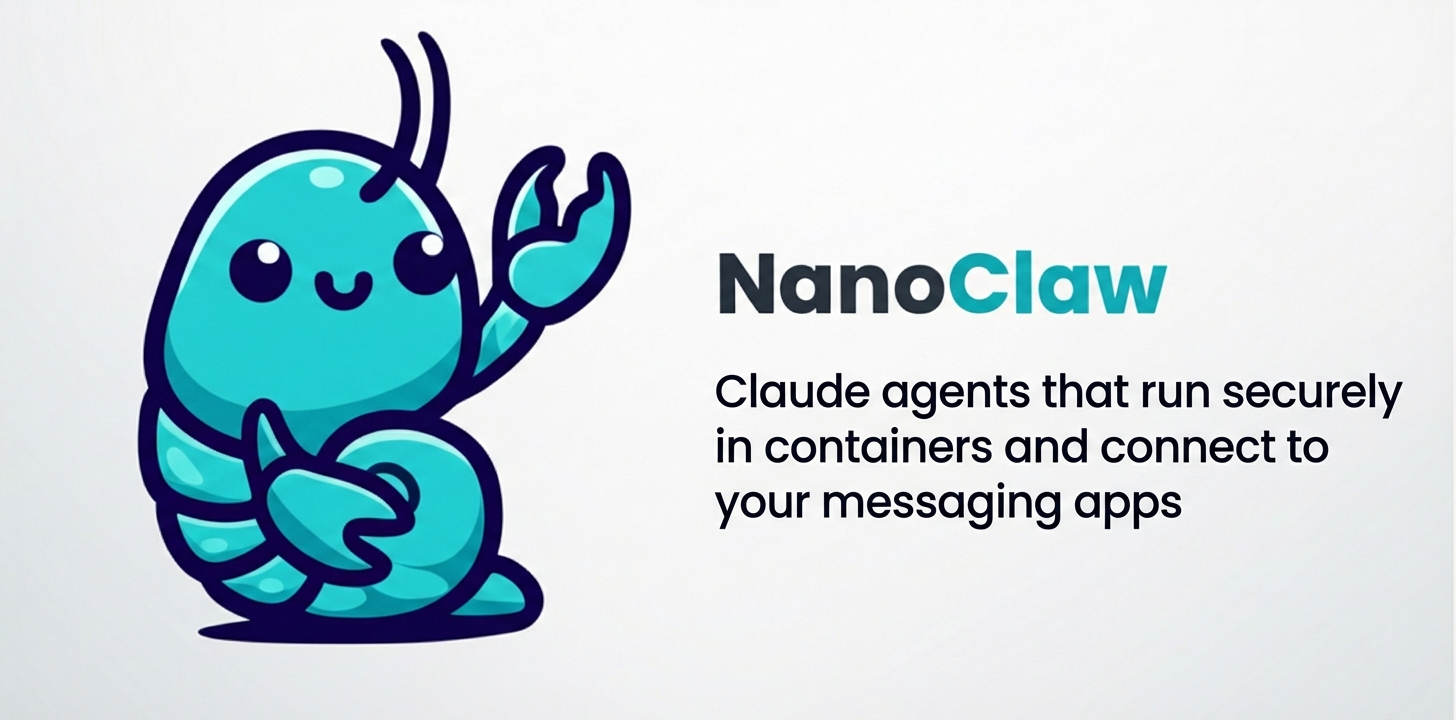 NanoClaw is one of the closest OpenClaw-style alternatives for mobile use because it works through messaging apps that already feel natural on a phone. WhatsApp support comes out of the box, while Telegram can be added through its skills system. Scheduled tasks, per group memory, container isolation, and web access make it more capable than a simple chatbot. Among OpenClaw alternatives, NanoClaw stands out for combining mobile-friendly access with a lightweight self OpenClaw hosting design.
Supported Clients
WhatsApp: Confirmed and supported out of the box
Telegram: Confirmed through the skills system
Discord: Confirmed through the skills system
Slack: Confirmed through the skills system
Gmail: Confirmed through the skills system
Android: Supported through connected messaging apps
iOS: Supported through connected messaging apps
Windows: Setup supported through Windows with WSL2
macOS: Setup supported
Linux: Setup supported
Best Practice: Position it as a messaging first agent rather than a native mobile app
3. QClaw - Best for WeCom-Based Workflows
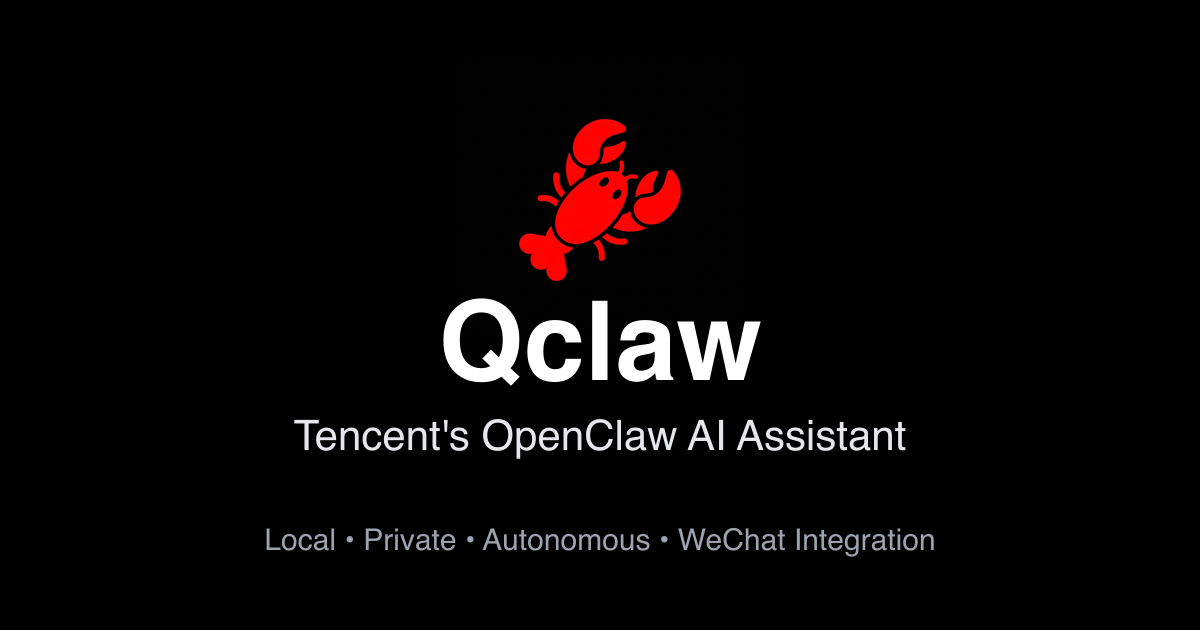 QClaw stands out when team communication matters as much as agent capability. A stronger fit for WeChat-based workflows, it can make daily coordination feel more natural because the assistant sits closer to the channel where work already happens. That reduces context switching and can make adoption easier across internal teams. Compared with broader OpenClaw alternatives, QClaw feels more useful in business messaging scenarios where access, responsiveness, and workflow alignment matter more than deep local customization.
Supported Clients
macOS: Confirmed, including Apple Silicon and Intel builds
Windows: Confirmed
iOS: Not confirmed as a native QClaw client from official pages I found
Android: Not confirmed as a native QClaw client from official pages I found
Mobile Access: WeChat is clearly the mobile access path
Best Practice: Write it as Mac and Windows desktop plus WeChat access
Also read: OpenClaw Feishu Skills - Best Ways to Connect OpenClaw With Feishu
4. ArkClaw - Best for Feishu Team Collaboration
 ArkClaw is a stronger option when collaboration inside Feishu is part of the workflow. Its value comes from fitting into an existing team environment instead of asking everyone to learn a separate interface first. That makes task sharing, message-driven actions, and daily coordination easier to manage. Among OpenClaw alternatives, ArkClaw feels more practical for teams that want OpenClaw agent access inside a familiar work tool, especially when adoption speed matters as much as flexibility and control.
Supported Clients
Web: Multiple reports describe ArkClaw as browser-based or cloud-first
Windows: Third-party reports say one-click support exists, but I did not verify an official download page
macOS: Third party reports say one click support exists, but I did not verify an official download page
iOS: No official client matrix confirmed
Android: No official client matrix confirmed
Best Practice: Write browser based access first, then avoid hard claiming mobile apps
5. DuClaw - Best for Baidu Ecosystem Fit
 DuClaw makes more sense when mobile automation is the real priority. Its strongest angle is not desktop control but phone-centered workflows. The product is positioned around app-level operation, fast mobile access, and closer integration with Baidu-related services. That makes it easier to frame as an OpenClaw alternative for people who want more from a phone than from a local desktop stack. In your article, it works best as the mobile first option.
Supported Clients
Android: Support is clearly claimed on DuClaw Hub
iOS: Support is clearly claimed on DuClaw Hub
Windows: No official desktop client matrix confirmed
macOS: No official desktop client matrix confirmed
Best Practice: Position it as mobile first, not cross-platform desktop software
6. MaxClaw - Best for Lightweight Daily Use
 MaxClaw is easier to position as a managed cloud alternative. The main selling points are one click deployment, always on availability, persistent memory, and lower setup friction than self hosted OpenClaw. It also pushes direct integration with work chat platforms, which makes it feel less like a desktop install and more like a ready-to-run agent service. Compared with heavier OpenClaw alternatives, MaxClaw feels more practical for everyday productivity and long-running workflows.
Supported Clients
Web: Confirmed through MiniMax Agent deployment flow
Windows: Browser based access is supported
macOS: Browser based access is supported
iOS: No native app confirmed on the MaxClaw official site
Android: No native app confirmed on the MaxClaw official site
Channels: Telegram Discord and Slack are officially confirmed
7. KimiClaw - Best for Kimi-Based Workflows
 KimiClaw is a natural option when your workflow already leans on Kimi and related tools. Its main advantage is ecosystem fit, which can make setup feel more familiar and reduce friction in daily use. Instead of adapting a broader agent system to match your habits, KimiClaw can feel more aligned from the start. Among OpenClaw alternatives, it makes the most sense when model preference, language comfort, and a smoother cloud based workflow matter more than broad customization.
Supported Clients
Web: Confirmed through kimi.com and KimiClaw pages
macOS: Kimi official App Store presence confirms Mac app access in the Kimi ecosystem
iOS: Kimi official App Store presence confirms iPhone and iPad access
Windows: Browser based access is safe to claim
Android: I did not find a clean official KimiClaw client matrix page to confirm this specifically for KimiClaw
Best Practice: Write web first, then Kimi ecosystem access on iPhone iPad and Mac
8. Tasker - Best for Native Android Automation
 Tasker is a better fit when the real goal is automating actions on your Android device itself. Its biggest advantage comes from deep system level control, which makes routines, triggers, device actions, notifications, and app based workflows much easier to manage. Instead of trying to recreate a desktop style agent on a phone, Tasker works directly with the way Android is already used. Among OpenClaw alternatives, it stands out as the stronger choice for mobile first automation.
Supported Clients
Android: Confirmed as the main platform
iOS: Not supported
Windows: No native client
macOS: No native client
Web: Not the main access model
Best Practice: Position it as an Android automation tool rather than a cross-platform agent
9. Goose - Best for Local-First General Agent
 Goose is a strong option when local control matters more than a managed setup. Its main appeal comes from a local first design, flexible agent behavior, and a workflow that feels closer to hands-on experimentation. Strong CLI support, broad model compatibility, and support for tools like MCP make it a natural fit for people who want to run and shape the experience on their own machine. Among OpenClaw alternatives, Goose is one of the closest matches in spirit.
Supported Clients
macOS: Confirmed
Windows: Confirmed
Linux: Confirmed
iOS: Not confirmed as a native client
Android: Not confirmed as a native client
CLI: Confirmed as a core access method
Best Practice: Position it as a desktop and terminal first tool rather than a mobile first agent
How to Choose the Best OpenClaw Alternative
The best OpenClaw alternative depends on what matters most in your daily workflow. Some tools stay close to the original OpenClaw model, while others focus on easier setup, better mobile access, or stronger platform fit.
-
For Windows, MyClaw.ai is the strongest choice when convenience comes first. It removes the setup burden and gives you a managed OpenClaw experience that is easier to access and maintain. That makes it one of the most practical OpenClaw alternatives for Windows, especially when you want less technical work and a smoother everyday experience.
-
For mobile access, NanoClaw is a better fit because it works through channels that already feel natural on a phone, especially WhatsApp and Telegram. If your priority is Android itself rather than messaging-based access, Tasker makes more sense as an OpenClaw alternative for Android because it focuses on native automation, triggers, and device actions.
-
For team communication, QClaw and ArkClaw are more suitable when your workflow already lives inside WeCom or Feishu. For cloud-based productivity, MaxClaw and KimiClaw are easier to position as managed options that reduce setup friction. Goose is still a strong pick when local control and desktop experimentation matter more than convenience.
The right choice is not always the one with the most features. In many cases, the better option is the one that fits your device, your workflow, and the amount of setup you are actually willing to manage.
Conclusion
The best OpenClaw alternatives are not all solving the same problem. Some are built for easier setup, some work better for team communication, and some make more sense for mobile access. That is why the right choice depends less on feature count and more on how you plan to use it.
If you are comparing OpenClaw alternatives for Windows, MyClaw.ai stands out as the easiest path to an OpenClaw style experience without the usual setup and maintenance work. If you need an OpenClaw alternative for Android, NanoClaw and Tasker are stronger fits because they align better with the way mobile access and mobile automation actually work.
In the end, the smartest choice is the one that removes friction from your workflow. The more naturally a tool fits your device and your habits, the more useful it becomes in everyday use.
Skip the setup. Get OpenClaw running now.
MyClaw gives you a fully managed OpenClaw (Clawdbot) instance — always online, zero DevOps. Plans from $19/mo.