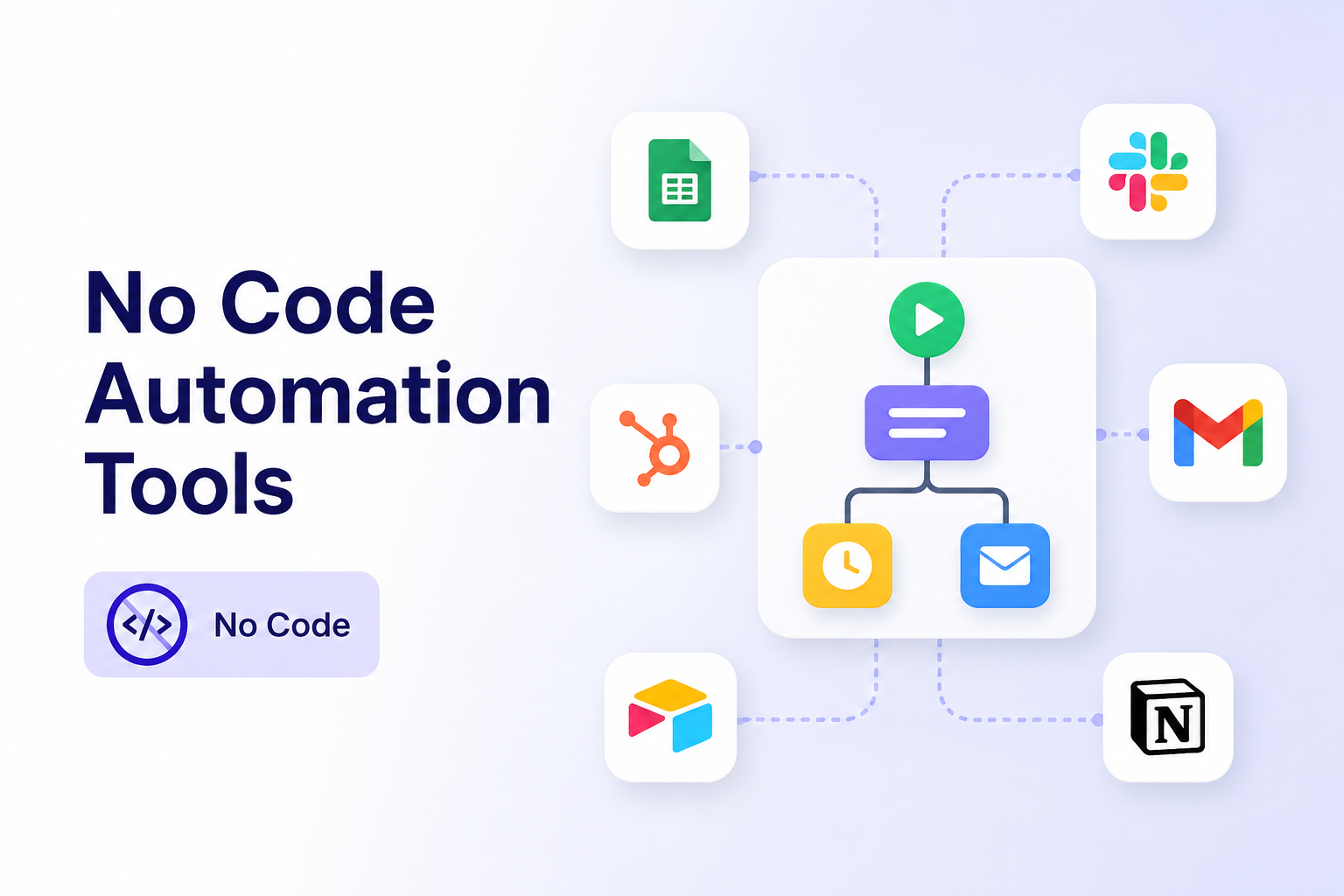
No Code Automation Tools: How to Choose the Right Tool for Real Work
AI Takeaway
- What are no code automation tools? They help you automate repeatable work through visual builders, templates, app connectors, or natural language instead of writing scripts.
- Which tools should you compare first? Zapier, Make, n8n, Power Automate, Airtable Automations, Lindy, Gumloop, and AI agent platforms all fit different workflow shapes.
- When are traditional tools enough? Use them when the steps are predictable: form alerts, CRM updates, email routing, approvals, and spreadsheet sync.
- When do you need an AI agent? Use an agent when the work needs judgment, browser access, file handling, memory, or ongoing follow-up.
- What about no code test automation tools? They are a related category for QA teams that want to automate web, mobile, API, and regression tests without maintaining test scripts.
What Are No Code Automation Tools?
No code automation tools let you build automated workflows without writing code. Instead of scripting API calls, you choose triggers, actions, rules, templates, or natural language instructions.
A simple example: when someone fills out a form, create a CRM lead and send a Slack alert. A more advanced workflow might classify the lead, enrich the company, assign the right owner, draft a follow-up email, and wait for approval.
The best tools hide technical complexity without hiding the process. You should still be able to see what triggers the workflow, what data moves between apps, what happens when something fails, and where a human needs to review the output.
For a broader comparison of workflow automation tools, this guide to workflow automation software is a useful companion.
Common jobs include moving data between apps, sending alerts, routing leads or tickets, generating reports, syncing spreadsheets, triggering approvals, and checking records on a schedule. The important question is not whether a tool can automate something. It is whether the workflow is simple enough to define upfront, or whether it needs judgment while it runs.
The Main Types of No Code Automation Tools
There is no single category anymore. A Zapier workflow, an n8n canvas, a test automation platform, and an AI agent can all be called automation, but they solve different problems.
Trigger-Based App Automation
 Tools like Zapier, IFTTT, and Airtable Automations are best for predictable app-to-app work: form submissions, calendar reminders, lead notifications, newsletter updates, lightweight CRM sync, and simple operations tasks. The limit appears when the workflow needs many branches, complex data cleanup, or decisions that depend on context.
Visual Workflow Builders
Make, n8n, Power Automate, Workato, and similar tools give you more control. You can build multi-step workflows, filters, routers, loops, and API calls. Use this category when the workflow has a clear process but needs more structure than a simple trigger-action chain. This is the classic no-code workflow automation layer.
If you are comparing these tools around one mainstream app connector, the Zapier alternatives guide breaks down the tradeoffs between Zapier, Make, n8n, and other competitors.
AI Workflow and Agent Builders
AI workflow tools can classify an email, extract fields from a document, summarize a transcript, draft a response, or decide which route a task should take. Agent platforms go further: they can work toward a goal, use tools, inspect files, browse websites, remember context, and continue across sessions. This is where AI automation tools start to behave less like connectors and more like assistants.
No Code Test Automation Tools
No code test automation tools are a separate category for QA and product teams. They help with web UI testing, mobile testing, API testing, regression tests, cross-browser checks, record-and-playback flows, and plain-English test creation. Katalon, Mabl, testRigor, Reflect, Leapwork, and ACCELQ are common names in this space.
Best No Code Automation Tools by Use Case
Instead of looking for one winner, start with the kind of work you want to run.
| Need | Best Fit |
|---|---|
| Simple SaaS app connections | Zapier |
| Visual branching and data routing | Make |
| Self-hosted workflow control | n8n |
| Microsoft 365 workflows | Power Automate |
| Database-backed operations | Airtable Automations |
| AI-first business workflows | Lindy or Gumloop |
| Product QA without scripts | Katalon, Mabl, testRigor |
| Always-on agent work | OpenClaw-style runtime |
The Usual Starting Points
Zapier is the easiest starting point for fast app connections. Make is stronger when you want visual branching and data transformation. n8n is a better fit for teams that want self-hosting, API control, custom logic, and AI nodes inside a defined process. The OpenClaw vs n8n comparison is useful if you are deciding between fixed workflow automation and agent-style work. Power Automate makes sense when Outlook, Teams, SharePoint, Excel, Dynamics, and Power BI are already central to the company.
AI Agent Tools: Best When the Work Is Messy
AI agent tools are strongest when the task has changing inputs: inbox triage, competitor research, weekly reporting, content refresh planning, browser-based data gathering, and support summaries. These workflows need interpretation before action.
How to Choose the Right Tool
The cleanest way to choose is to describe the work before comparing pricing pages.
Start With the Shape of the Work
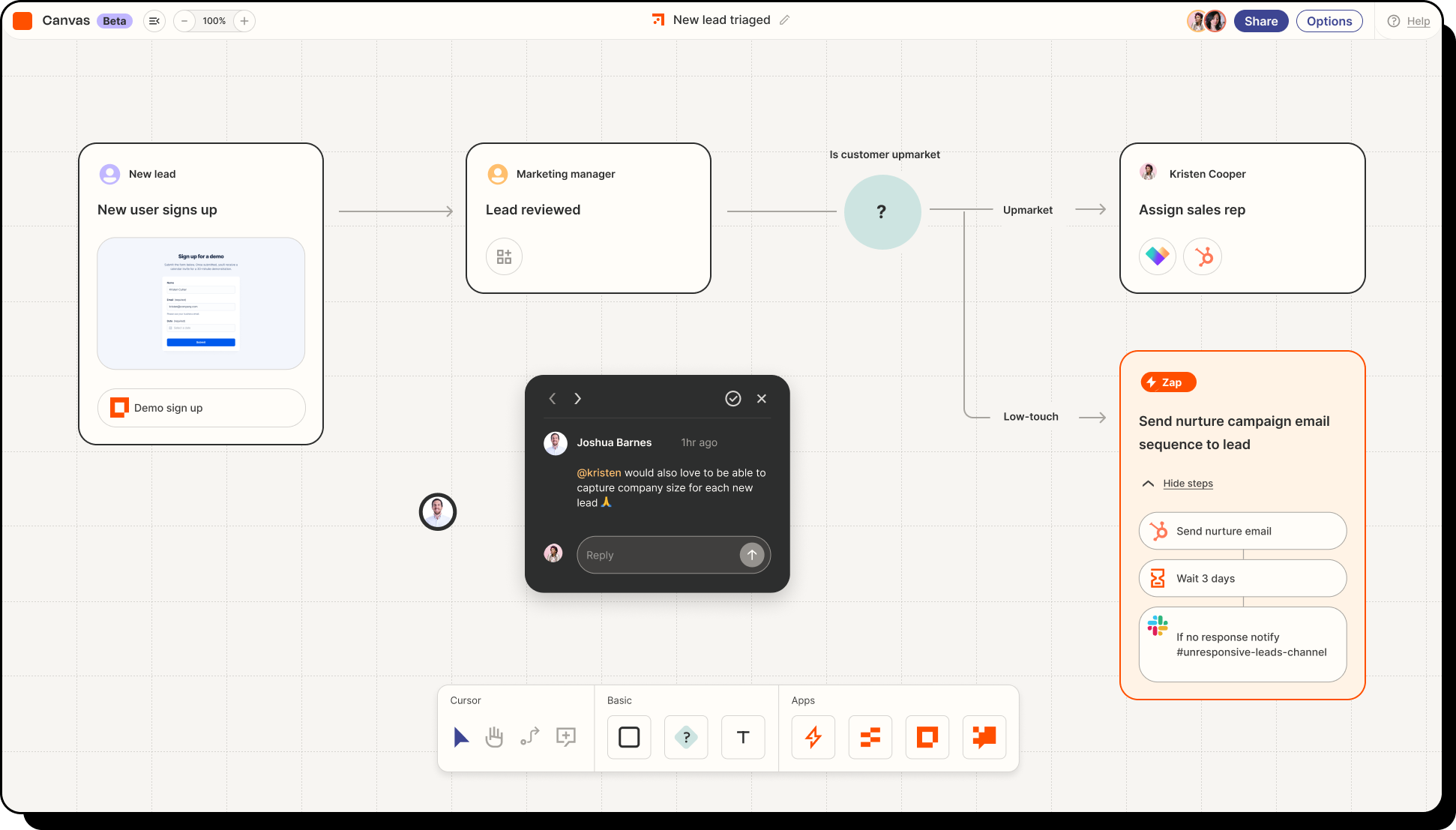 If the task is predictable, use a workflow builder. If it is messy, use AI. If it needs judgment and ongoing context, use an agent.
Use Zapier, Make, or Power Automate for predictable paths. Use Make, n8n, or Workato for complex but defined paths. Use Katalon, Mabl, testRigor, or Reflect for testing workflows. Use agent platforms or hosted agent runtimes when the work depends on context.
Check Integration Depth, Not Just App Count
Large integration numbers sound good, but they do not guarantee the workflow will work. Check the exact trigger, available actions, field mapping, rate limits, attachments, retries, and logs.
Look for Failure Handling
Automation is not finished when the happy path works. Good workflows need run history, alerts, retries, approval points, and a quick way to pause the process.
{{myclaw_blog_cta}}
When No Code Automation Tools Start to Break Down
Traditional automation tools are great when the path is known. They struggle when the work depends on context.
The Workflow Needs Judgment
Some tasks cannot be solved with clean rules. An email may be urgent without saying "urgent." A competitor update may matter only if it affects pricing or positioning. AI can help with classification and drafting; an agent helps when several judgment calls happen in a row.
The Task Happens in a Browser
Many useful workflows still happen on websites without clean APIs. You may need to log in, search, click, export, compare, and report back. Agent workflows can be more flexible because the system can inspect what is on the page and adapt.
The Work Needs Memory
A normal workflow run starts, executes, and ends. That is fine for simple automation but weaker for ongoing work. A weekly SEO report, research brief, sales follow-up routine, or content refresh queue gets better when the assistant remembers what happened last time. The SEO AI agent use case shows how that kind of recurring work can be structured.
The New Category: Always-On AI Automation
No code automation is shifting from "connect these apps" to "help this work move forward." Zapier, Make, and n8n still matter. A new layer is becoming useful.
From Triggers to Goals
A trigger-based workflow starts with an event: a form is submitted, a row is created, or an email arrives. A goal-based workflow starts with an outcome: monitor competitors, prepare a Friday operations brief, clean up an inbox, or review new GitHub issues. The second group needs more than a connector. It needs context, tools, and judgment.
When the Agent Needs a Place to Keep Working
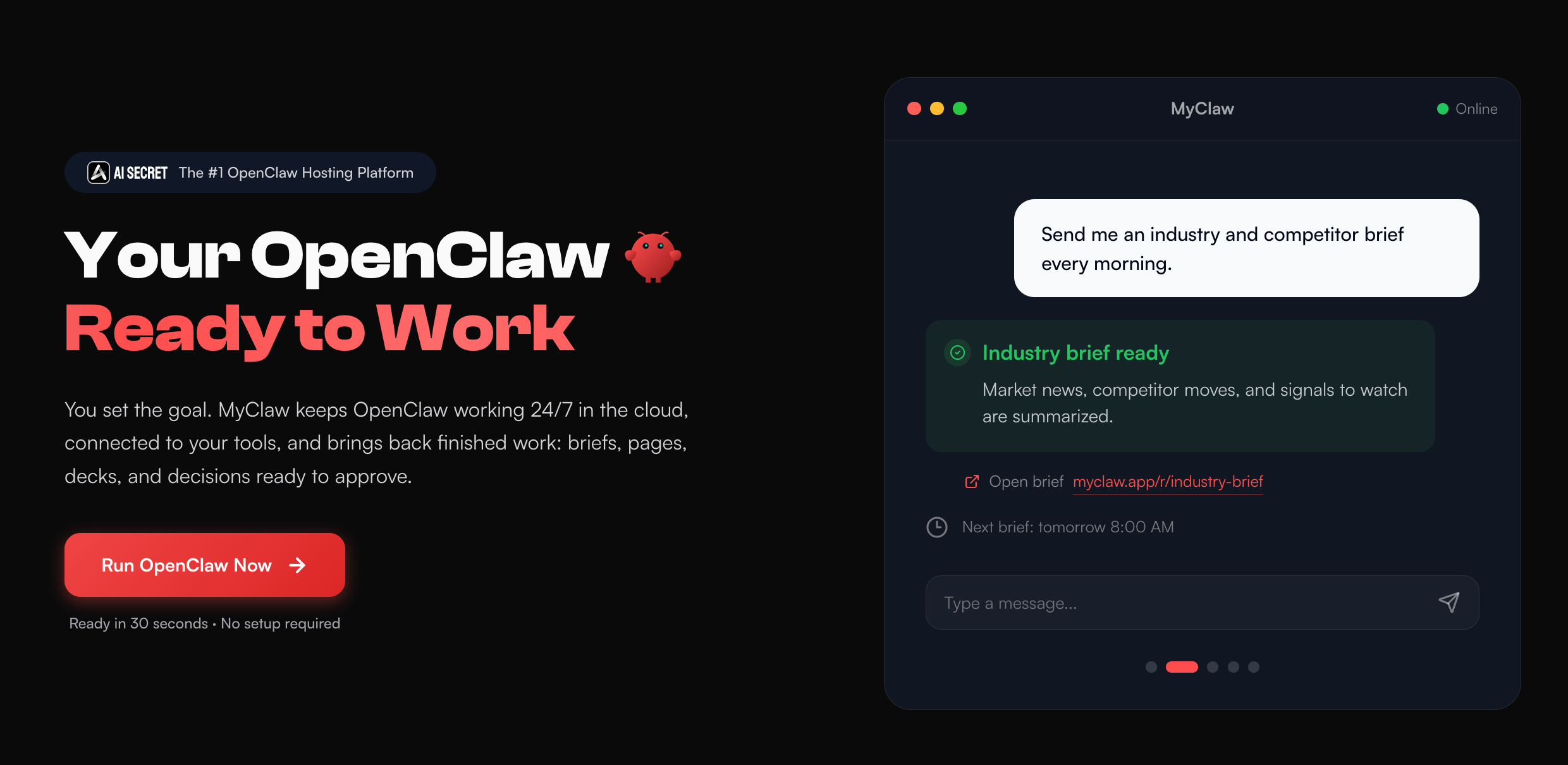 For teams that want this kind of always-on agent work without maintaining their own OpenClaw setup, MyClaw provides hosted OpenClaw workspaces that stay online in the cloud.
That matters when the work should continue after a laptop closes. MyClaw is useful for workflows that need browser access, files, messages, skills, memory, scheduled work, and a private runtime. It is not trying to replace every simple Zap; it is better for tasks where an assistant needs a stable place to keep working toward a goal.
Useful examples include competitor monitoring with WhatsApp or Telegram alerts, inbox triage, morning summaries, SEO reports, content refresh briefs, GitHub issue review, browser-based research, and recurring document or spreadsheet work.
If email is the first workflow you want to automate, starting from a focused connector such as the Gmail skill is often easier than designing a giant automation system on day one.
Security, Cost, and Maintenance Questions to Ask
The tool choice should include operations, not only features. Any automation tool may touch emails, customer records, payment data, files, or internal systems, so check OAuth scopes, stored credentials, workspace permissions, and audit logs.
Also ask what happens when a workflow fails. Look for execution history, clear error messages, retries, alerts, and manual recovery. No code does not mean no ownership. Someone still needs to understand the process, review outputs, update logic, and manage permissions.
FAQ
What Are No Code Automation Tools?
No code automation tools are platforms that let you automate work with visual builders, app connectors, templates, rules, or natural language instead of writing code. They are used for workflow automation, approvals, reporting, data sync, testing, and AI-assisted tasks.
What Is the Difference Between No Code Automation Tools and AI Automation Tools?
Traditional no code automation tools usually follow steps you define in advance. AI automation tools can classify, summarize, draft, interpret messy inputs, or decide which path should happen next. Agent tools go one step further by using tools and context across a longer task.
Are No Code Test Automation Tools the Same as Workflow Automation Tools?
No. No code test automation tools are built for QA tasks such as web UI tests, API tests, regression tests, and mobile tests. Workflow automation tools are usually built for business processes like lead routing, support operations, approvals, and reporting.
Conclusion
The best no code automation tools depend on the shape of the work. Use Zapier or Make for fast app automation, n8n for flexible self-hosted workflows, Power Automate for Microsoft-heavy teams, and no code test automation tools for QA.
When the work needs judgment, browser access, memory, or ongoing execution, look beyond a normal workflow builder. That is where AI agents and always-on runtimes become useful. Start with one real workflow, make approval points clear, and choose the tool that matches the job.
Skip the setup. Get OpenClaw running now.
MyClaw gives you a fully managed OpenClaw (Clawdbot) instance — always online, zero DevOps. Plans from $19/mo.