Best Apps for Work: Productivity, Scheduling, Automation, and AI Tools
AI Takeaway
- Best overall setup: Most work stacks need documents, calendar, project management, communication, automation, and AI.
- Best for schedules: Google Calendar, Outlook Calendar, Calendly, Motion, Reclaim, When I Work, and Deputy cover meetings, time blocking, and shift planning.
- Best productivity apps for work: Notion, Todoist, Asana, ClickUp, Slack, Zapier, Toggl Track, and RescueTime each solve a different problem.
- Best AI productivity tools: ChatGPT, Claude, Gemini, Copilot, Notion AI, and agent platforms help with research, writing, planning, and execution.
- Biggest shift: The most useful work apps are moving from “help me organize this” to “help me finish this.”
The Best Apps for Work by Category
The best work apps depend on the friction you are trying to remove. A calendar will not fix messy project ownership, and an AI assistant will not fix unclear priorities.
| Need | Best-fit app category | Good examples |
|---|---|---|
| Documents, email, meetings | Work suite | Google Workspace, Microsoft 365 |
| Team tasks and projects | Project management | Asana, ClickUp, Trello |
| Notes and knowledge | Workspace or notes app | Notion, Obsidian |
| Fast team communication | Chat | Slack, Microsoft Teams |
| Scheduling | Calendar and booking tools | Google Calendar, Calendly, Motion |
| Repetitive workflows | Automation | Zapier, Make, n8n |
| Research, writing, analysis | AI assistant | ChatGPT, Claude, Gemini |
| Multi-step work across apps | AI agent | OpenClaw-style agent workspaces, MyClaw |
If you only need a quick answer, start with the category that matches your biggest bottleneck. If your week is lost to scheduling, fix the calendar layer first. If work gets stuck between tools, look at automation. If tasks keep crossing apps and need follow-through, AI agents become more relevant.
Work Suites: Google Workspace or Microsoft 365
 Google Workspace and Microsoft 365 are still the safest foundation for most teams. They cover email, documents, spreadsheets, storage, calendars, video calls, and collaboration. Google Workspace feels lighter if your team works in Gmail and Docs. Microsoft 365 is better for teams built around Outlook, Excel, PowerPoint, SharePoint, and enterprise controls.
Project Management: Asana, ClickUp, or Trello
Asana is best when a team needs ownership, deadlines, dependencies, and repeatable project structure. ClickUp is stronger when you want docs, dashboards, goals, automations, and multiple project views in one place. Trello is the simplest option for lightweight boards.
Notes and Knowledge: Notion or Obsidian
Notion is a strong shared workspace for notes, databases, wikis, lightweight project tracking, and team docs. Obsidian is better for markdown notes, backlinks, long-term research, and personal knowledge systems.
Team Communication: Slack or Microsoft Teams
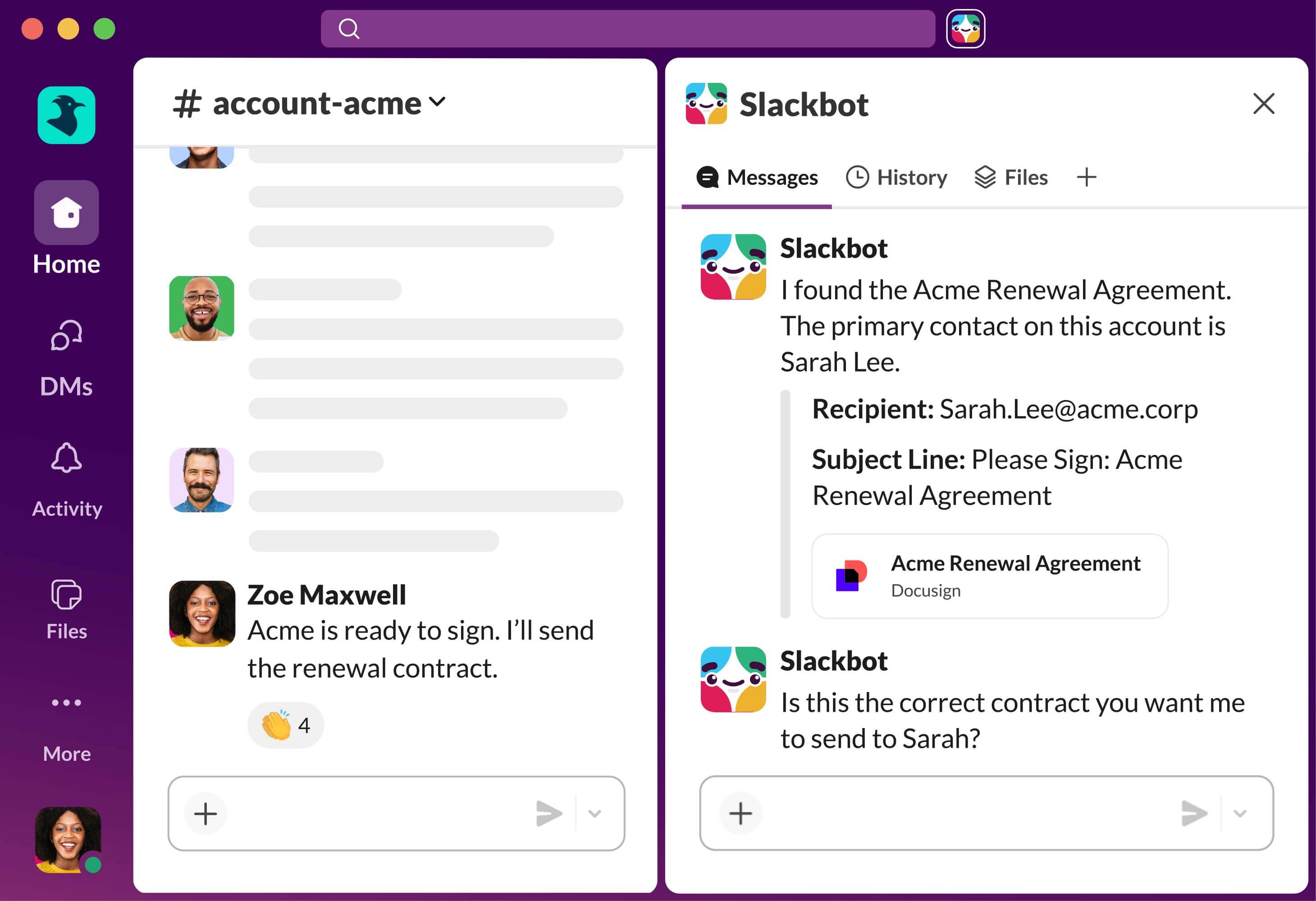 Slack is strong for fast, channel-based team communication. Microsoft Teams makes more sense for companies already deep in Microsoft 365. Both can reduce email, but both get noisy if decisions never leave the chat stream.
Best Apps for Work Schedules
Scheduling is its own problem. Some teams need meeting coordination. Some need shift coverage. Some need deep work protected from random calls. The best work schedule apps make time easier to see, change, and protect.
Calendars and Booking Links
Google Calendar is clean, fast, and easy to share. Outlook Calendar is better for Microsoft-heavy companies where email, meetings, rooms, and permissions need to work together. They are still two of the best calendar apps for work because they sit close to email, meetings, and daily planning.
Calendly is ideal for sales calls, interviews, onboarding sessions, and client meetings. Doodle is useful when a group needs to vote on a meeting time.
{{myclaw_blog_cta}}
AI Scheduling and Shift Planning
Motion and Reclaim are built for calendars that change constantly. They can plan tasks into open time, protect focus blocks, and reschedule work when meetings move.
When I Work and Deputy are better fits for hourly teams, retail, restaurants, healthcare, field teams, and service businesses. If the pain is coverage, use a shift tool instead of a general calendar. They are better than general calendars when you need the best apps for work schedule management across shifts, swaps, and attendance.
Best Productivity Apps for Work and Personal Focus
Some of the best productivity tools solve personal friction first: fewer forgotten tasks, fewer open loops, less context switching, and a clearer view of time. The best apps for productivity usually work because they remove one repeated pain, not because they try to manage everything.
Task Managers: Todoist or Things
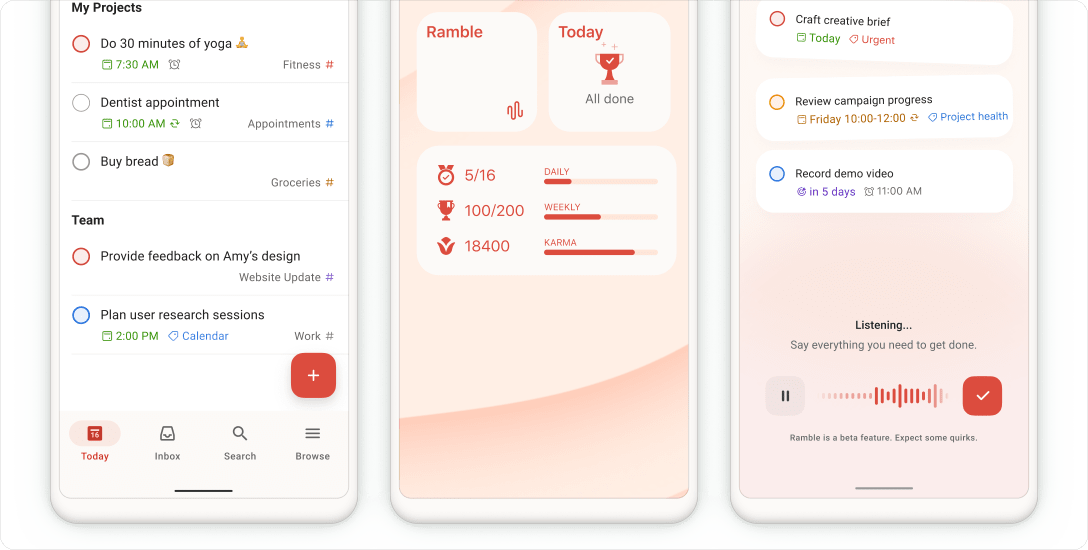 Todoist is practical, cross-platform, and easy to trust. It handles recurring tasks, priorities, reminders, natural language entry, and shared projects. Things is a calmer personal planning system for Apple users. These are two of the best task management apps for work when you do not need a full project management platform.
Time Tracking and Focus Apps
Toggl Track is simple and polished. Clockify is a strong alternative when you want broader team time tracking and a generous free plan. Time tracking is not only for billing; it can show which meetings eat the week and which admin tasks keep returning.
Freedom blocks distracting apps and websites across devices. RescueTime shows where your time goes. Forest adds a light focus ritual with a timer. These tools work best when paired with a real plan for the day.
Best Workflow Automation Apps
Work automation apps are where productivity starts to move beyond lists and dashboards. Instead of reminding yourself to do the same thing again, you connect tools so the work moves by itself.
No-Code and Technical Automation
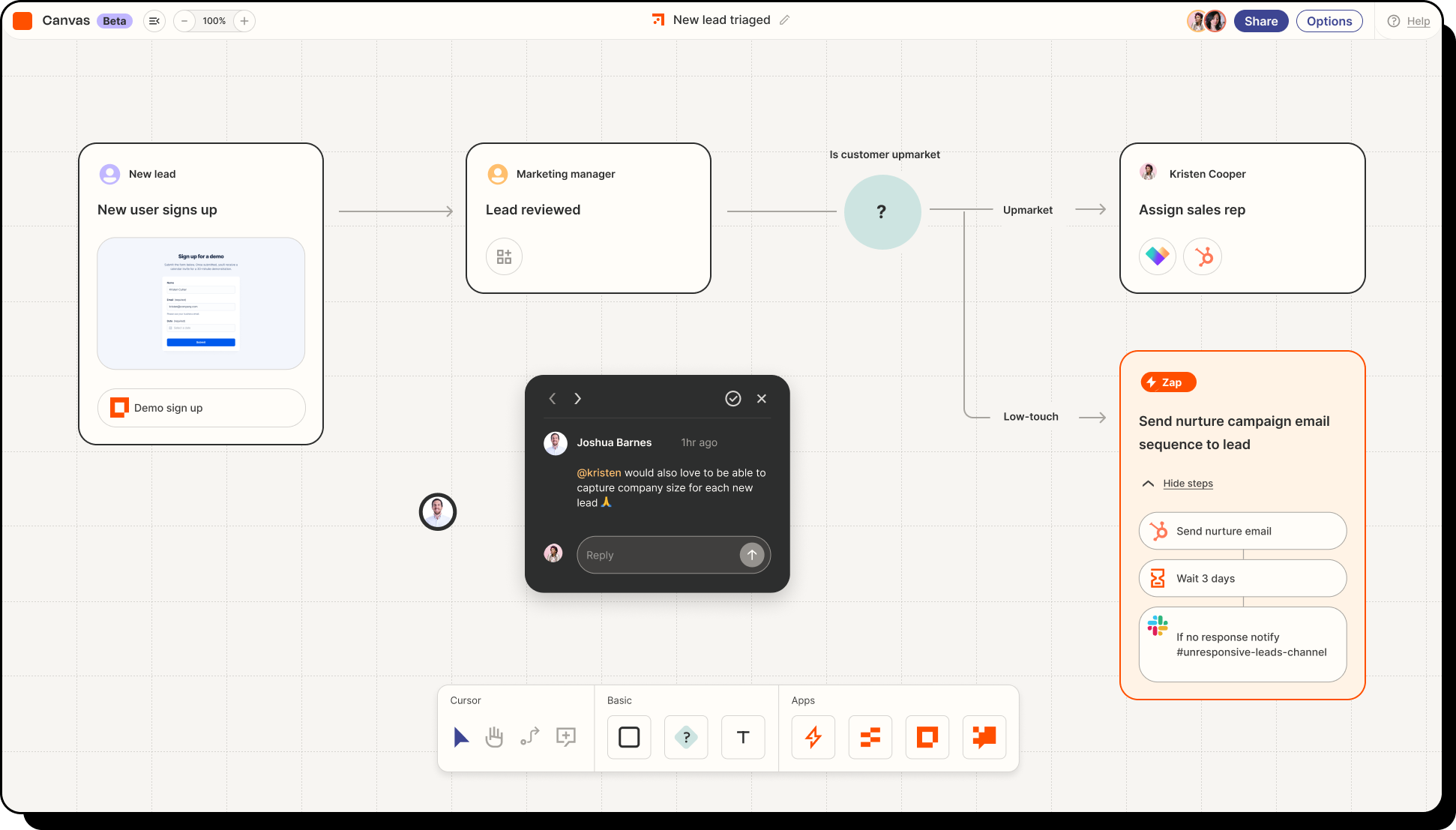 Zapier is the easiest starting point for connecting apps: a lead form can create a CRM record, a new customer can trigger onboarding, and a calendar event can create a task. Make gives more visual control for complex workflows.
n8n is a strong choice for technical teams that want open-source flexibility, self-hosting options, and deeper API control. It fits the middle ground between no-code tools and fully custom scripts.
Browser Automation

For deeper data collection workflows, this comparison of best web scraping tools is useful when browser tasks start turning into recurring research or data pipelines.
Best AI Apps for Work
AI tools are now part of the work stack, but they do not all solve the same problem. Some help you think or write. Some help inside a workspace. A smaller but growing category can take action across tools.
AI Assistants and Workspace AI
ChatGPT, Claude, and Gemini are useful for drafting, summarizing, brainstorming, analyzing documents, planning projects, and rewriting emails. They are still mostly prompt-driven: you bring the context, review the output, and decide the next step.
Workspace AI is best when your work already lives inside that product. Notion AI can summarize docs, ClickUp Brain can work with tasks, and Microsoft Copilot makes sense if your company runs on Outlook, Teams, Word, Excel, and PowerPoint. The advantage is context; the limitation is boundary.
AI Agents for Work That Needs to Keep Running
Some work is not just “write this” or “summarize that.” It takes several steps: check a source, open a browser, compare changes, update a spreadsheet, send a note, and run the same workflow tomorrow.
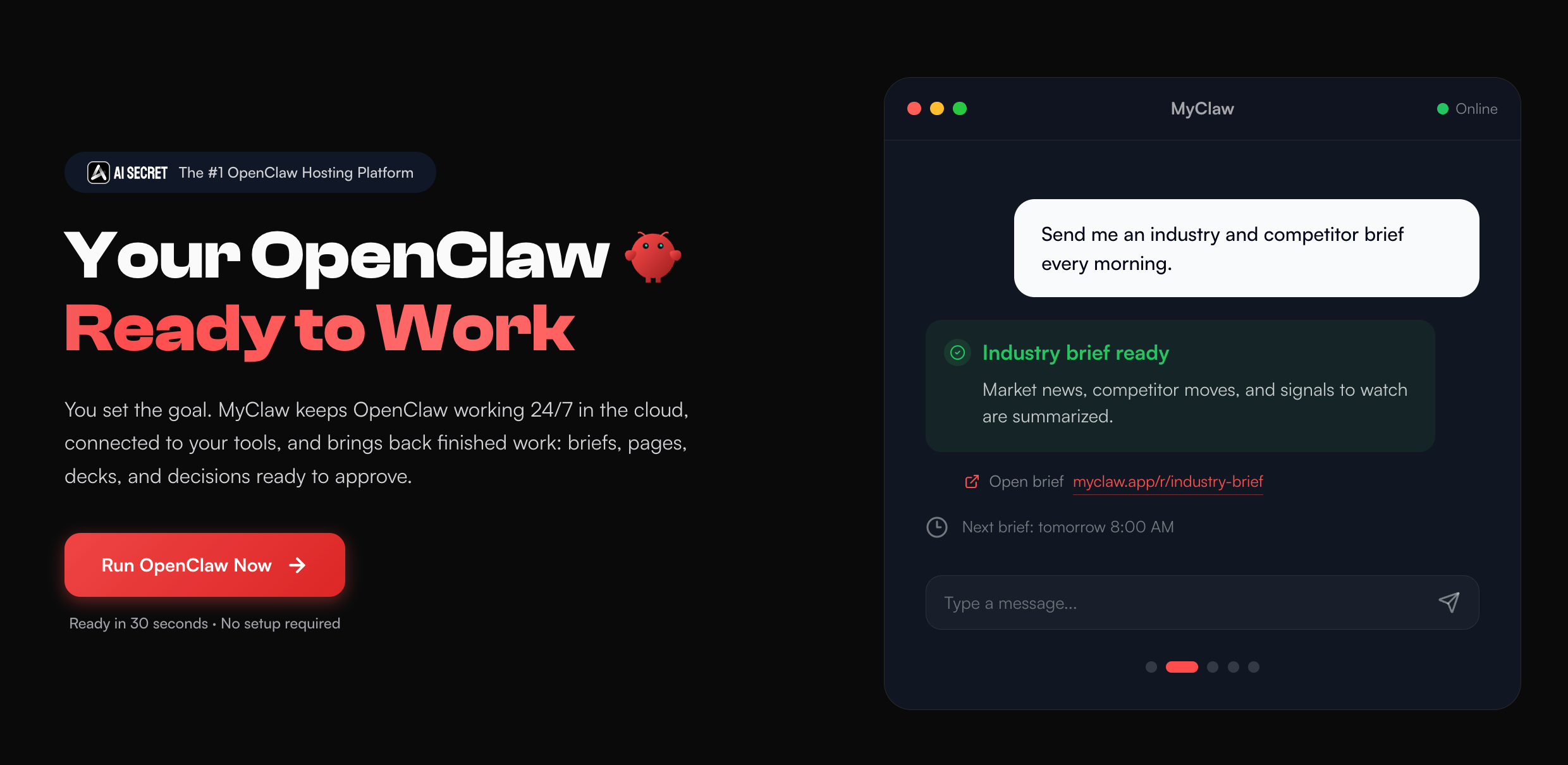 For that kind of workflow, an AI agent for work is more useful than another static dashboard. If you want AI apps that do work for you across browser, files, chat, and recurring tasks, MyClaw gives you a private, always-on OpenClaw workspace in the cloud. The always-on AI assistant can stay available for email triage, recurring research, browser tasks, repo checks, SEO monitoring, and scheduled follow-ups without you maintaining the agent runtime yourself. It is a practical way to use OpenClaw for work without setting up the runtime from scratch.
For example, an SEO team could use an always-on workflow to check rankings, review pages, collect competitor changes, and prepare weekly actions. The SEO AI Agent use case shows how that kind of background workflow can move from manual reporting to ongoing monitoring. Brand teams can take a similar approach; this guide to brand tracking tools is useful if your work involves tracking market changes.
How to Choose the Best Apps for Work
The easiest mistake is adding another app before naming the actual problem. A new dashboard can feel productive for a week, then become one more place to check.
Start With the Job
Ask what you want to improve:
- Do you need to remember tasks?
- Do you need to coordinate projects?
- Do you need fewer scheduling messages?
- Do you need fewer repetitive handoffs?
- Do you need better research support?
- Do you need work to continue after you step away?
Each answer points to a different tool. A solo consultant may need Todoist, Calendly, Toggl Track, and ChatGPT. A product team may need Linear or Asana, Slack, Notion, and GitHub.
Match the Tool to the Workflow
Use task apps for visible work. Use calendars for time-based work. Use project tools for shared execution. Use automation apps for predictable handoffs. Use AI assistants for thinking, writing, and analysis.
Use AI agents when the work crosses apps and needs continuity: checking sources, watching a repo, preparing a recurring report, triaging inbox items, or turning messy research into a brief. For software teams, the coding agents use case shows why agent work needs a real workspace, not just a chat box.
Recommended Work App Stacks
| Work style | Suggested stack |
|---|---|
| Solo professional | Google Workspace, Todoist, Calendly, Toggl Track, ChatGPT or Claude |
| Small business productivity | Google Workspace or Microsoft 365, Slack, Asana or ClickUp, Notion, Zapier |
| Remote work | Slack or Teams, Notion, Loom, Google Calendar, ClickUp, Make |
| Technical operator | GitHub, Linear, Slack, Obsidian or Notion, n8n, Claude or ChatGPT |
| AI-heavy workflow | Google Workspace, Notion, Zapier or n8n, ChatGPT or Claude, MyClaw for always-on agent work |
The best apps for remote work are usually the tools that make async updates, meetings, docs, and handoffs easier to manage. The best apps for small business productivity tend to be simple enough to keep using after the first week. For larger teams, the best productivity apps for teams are the ones that clarify ownership instead of adding another place to check.
The right stack should feel smaller after a few weeks, not bigger. If you are comparing agent-style tools for software work, this breakdown of Hermes Agent vs Claude Code is helpful for understanding how coding assistants and development agents differ.
Conclusion
The best apps for work are not always the newest or most feature-packed. They are the ones that remove friction from the way you already work. Start with the basics: a reliable work suite, a task or project system, a calendar, and a communication tool. Add automation when the same handoff keeps repeating. Add AI when writing, research, planning, or analysis slows you down.
For heavier workflows, the next step is not another dashboard. It is a system that can keep working across apps, schedules, browser tasks, files, and follow-ups. That is the bigger shift: from tools that store work to tools that help finish it.
Skip the setup. Get OpenClaw running now.
MyClaw gives you a fully managed OpenClaw (Clawdbot) instance — always online, zero DevOps. Plans from $19/mo.